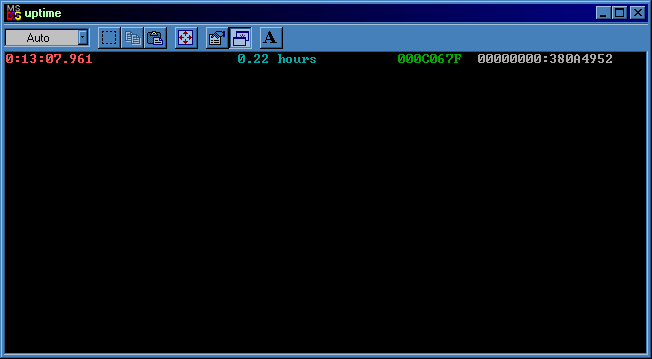
This program displays the current uptime for your computer according to the system's internal clock. After 49.7 days the Windows timer (green hex) will wrap back to zero again, which may cause peculiarites in some other programs if they use this timer. However, if your computer has a high-performance counter (shown as grey hex if available), the program will use this instead.
Included as of 2002-Jul-14 is a version called uptime_cmdline.exe which can be used from the DOS commandline - just rename it to c:\windows\uptime.exe, or the equivalent of that on your system. Typing 'uptime' at the DOS prompt will then show you how long your system has been up.
 Try it now! - download and run the EXE file (Windows sometimes requires you to right click, 'Properties', 'Unblock' first).
- - - [Download] - - -
Uptime Counter (.7z file, 5KB; zip file, 8KB).
Use 7-Zip to open .7z files, WinZip files (less compression) provided for compatibility.
- - - [Screenshot] - - -